Change the flooring, repaint a wall, swap the upholstery, hang a piece: each one a selection and a sentence, each one kept as its own variant, so the client can see three options on the same photograph.
Start with 25 free creditsNo card, no subscription. Exports carry a small watermark until you buy your first pack.
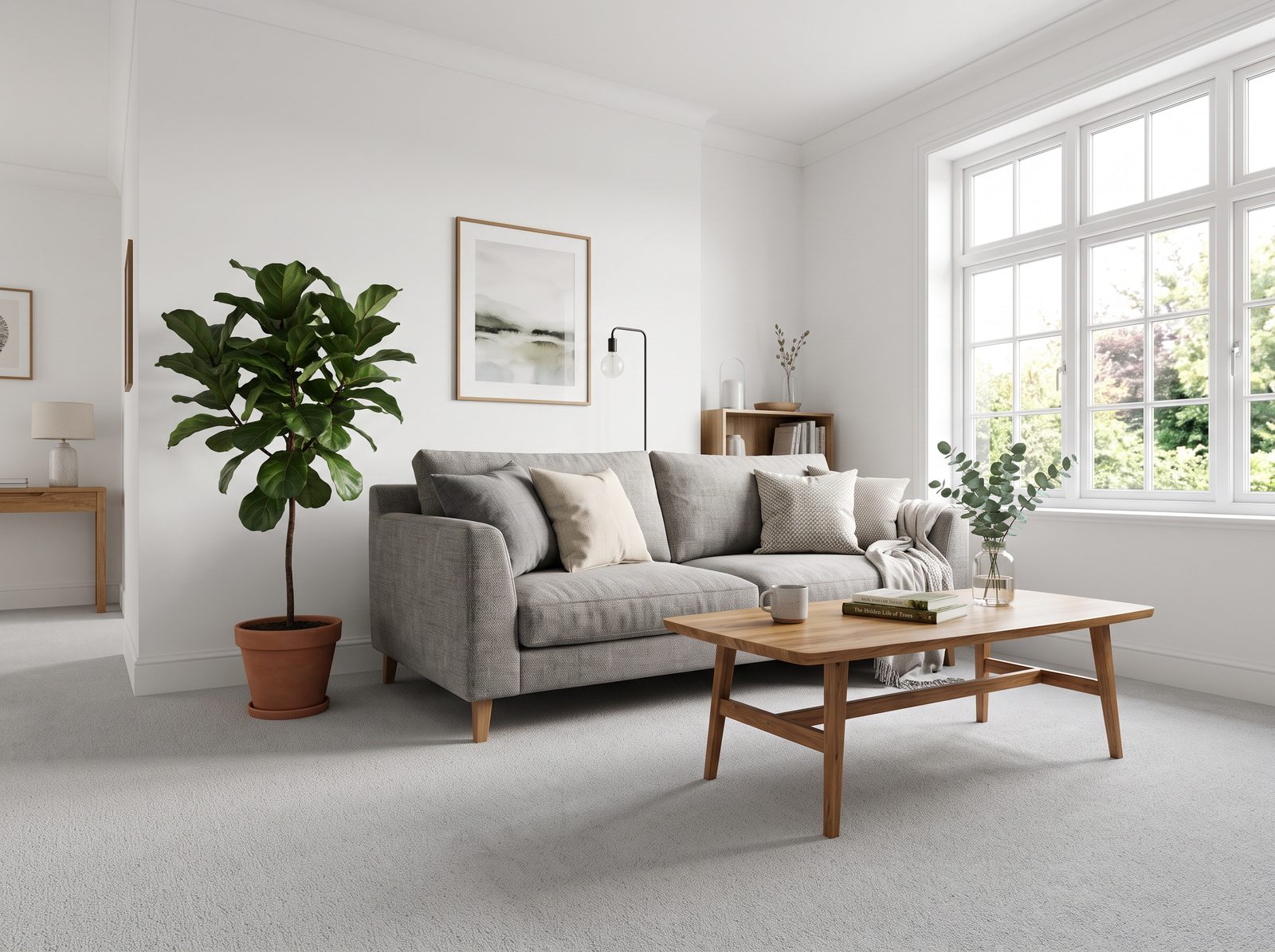
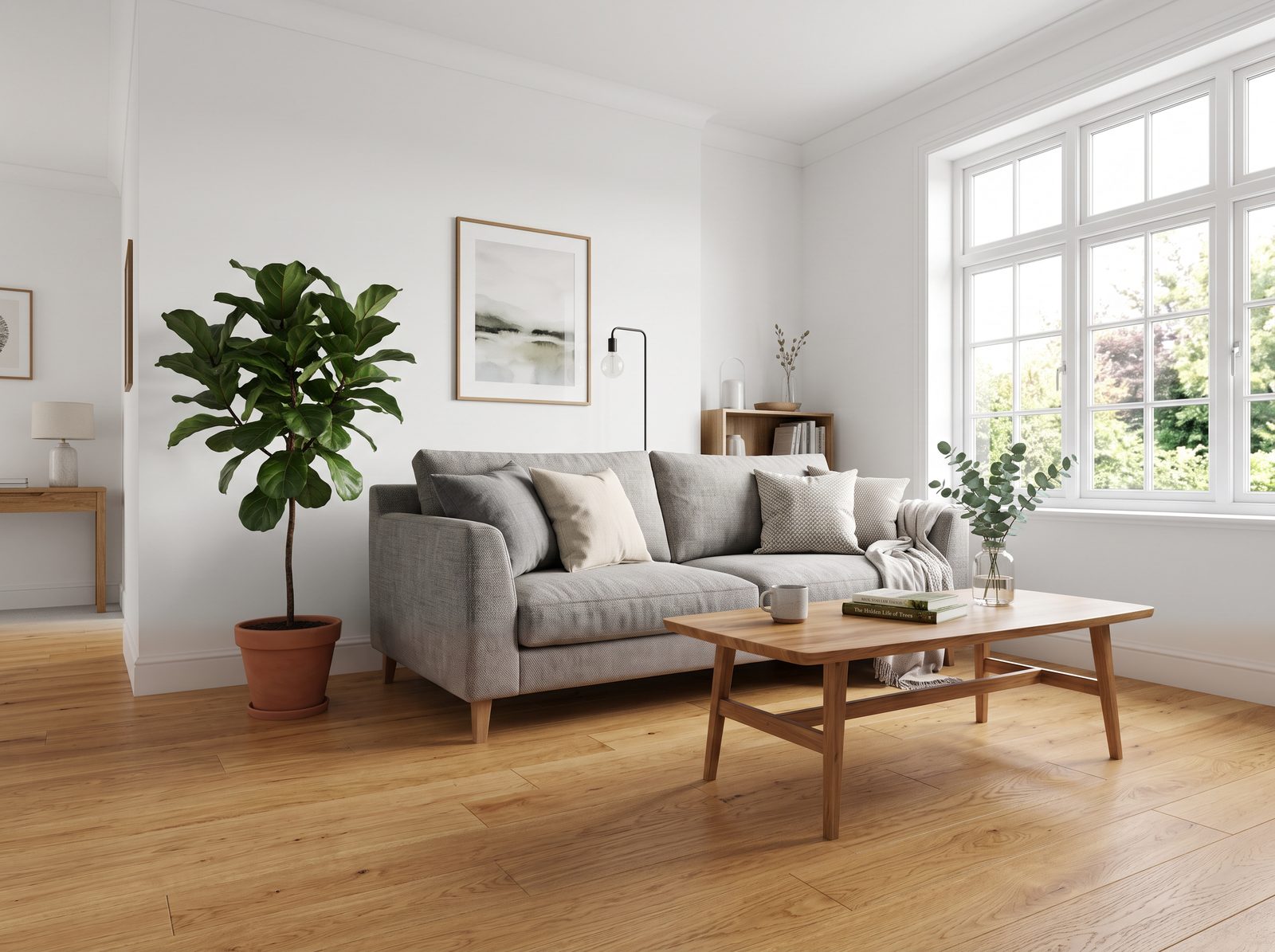
A whole-image generator redraws the picture. Lines move, materials shift and the frame you composed comes back a little different. Tessera sends the area you selected and nothing else, so every pixel outside it is your source.
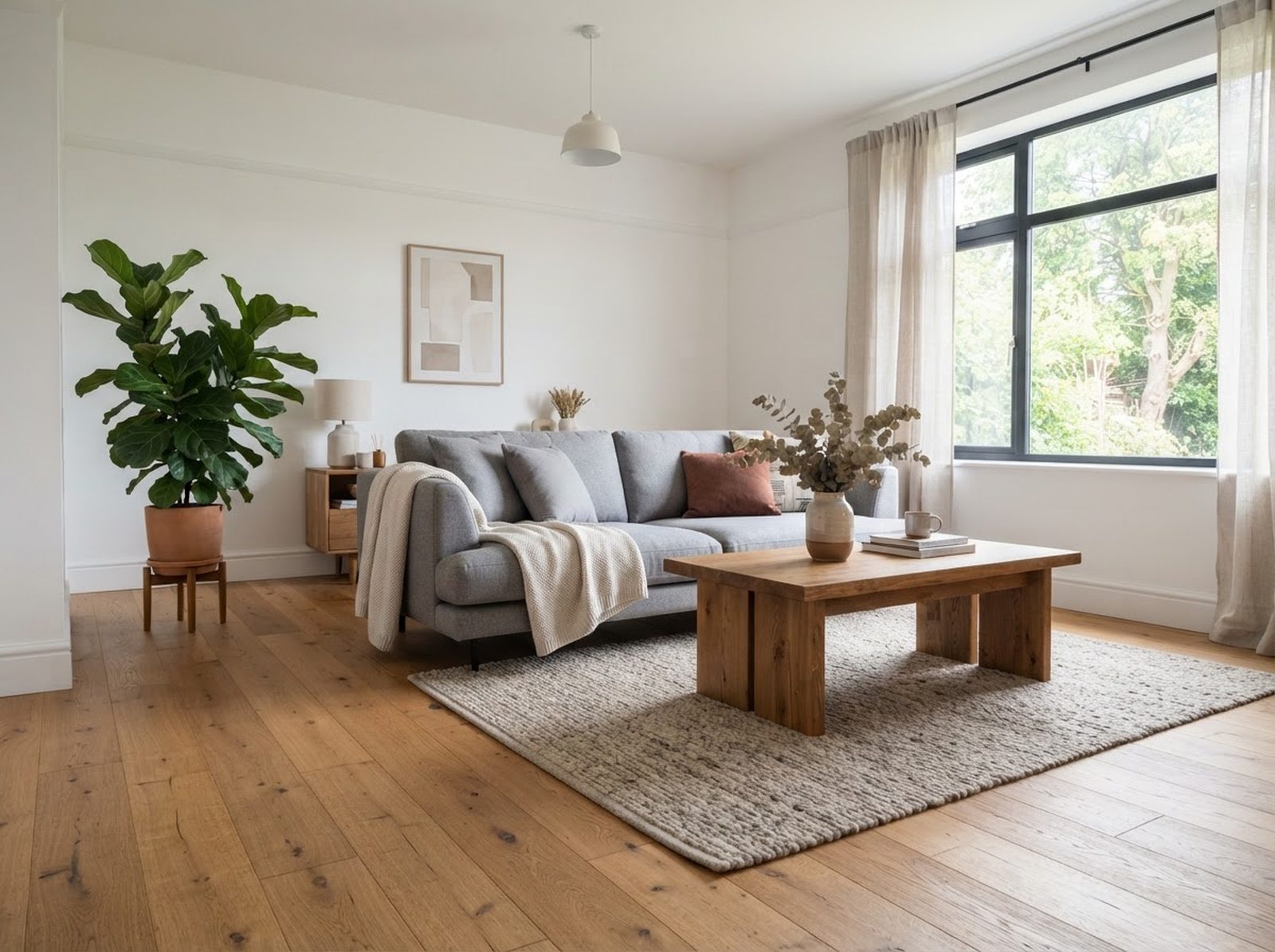
The model draws the whole frame from the prompt, and nothing in the frame is yours. Ask for the same room with an oak floor and the window, the sofa and everything on the table come back different.
Only the selection leaves your browser, plus a margin of context. It comes back as a feathered patch over the source, and every pixel outside it is untouched.
Every patch keeps every variant. Flip between the oak and the terrazzo on the same picture in the room.
The wall changes colour; the trim, the shadows and the furniture in front of it do not.
Clear a surface and the material continues under where the mess was.
Add artwork or a plant lit the way the room is lit, not pasted on top of it.
Drag a rectangle, draw a lasso or click a polygon around the part to change. Add a reference area if the prompt should say "like #2".
Type the edit or pick a preset. Try it as a draft for one credit, then run the keeper at full quality.
The result is pasted back with a feathered edge and adjustable opacity. Flip between variants, or hold Space to compare with the source.
A flat PNG, a layered PSD with one layer per patch, or the whole picture enhanced and upscaled.
Export the result as a layered PSD with one layer per patch, so the retoucher gets your decisions as layers rather than a flattened JPEG.
Click a preset to see it run on a real picture
Parquet to poured terrazzo, boucle to linen. The contact shadows and the skirting stay exactly as photographed.
Run the prompt as many times as you like. Each result is kept and switched on the canvas while the client watches.
A PSD carries the untouched source and one masked layer per patch, so anyone can take it further.
No subscription. Start with 25 free credits, then buy a pack and spend it at your own pace. Credits are pooled across a team and last a year. A standard edit is two credits, a draft one. See pricing for the detail.
 tessera