Select the sky, the entourage, a facade panel or the cars in the way, describe the change, and only that area goes to the model. The rest of your render stays exactly as it left the renderer.
Start with 25 free creditsNo card, no subscription. Exports carry a small watermark until you buy your first pack.
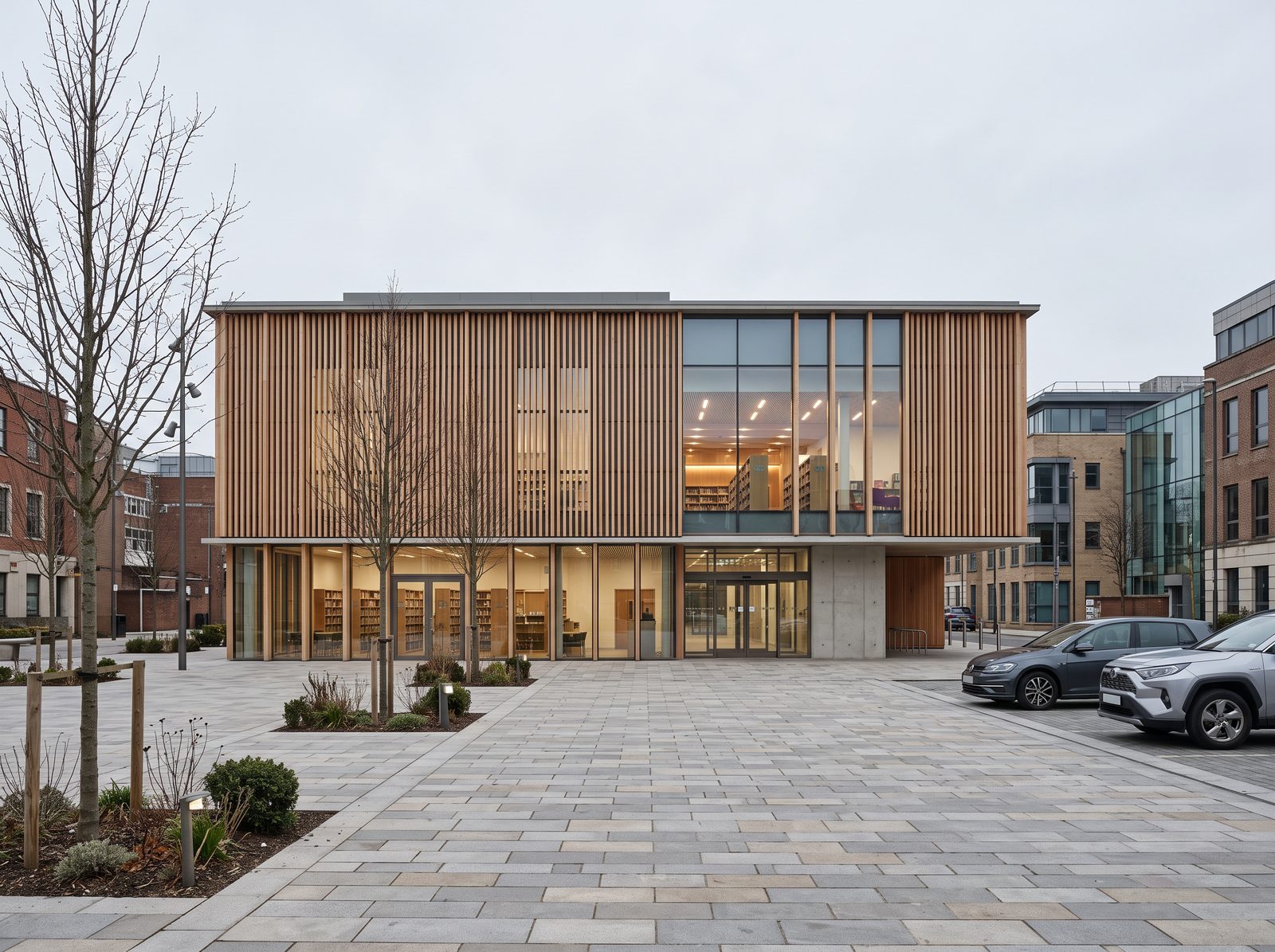
A whole-image generator redraws the picture. Lines move, materials shift and the frame you composed comes back a little different. Tessera sends the area you selected and nothing else, so every pixel outside it is your source.
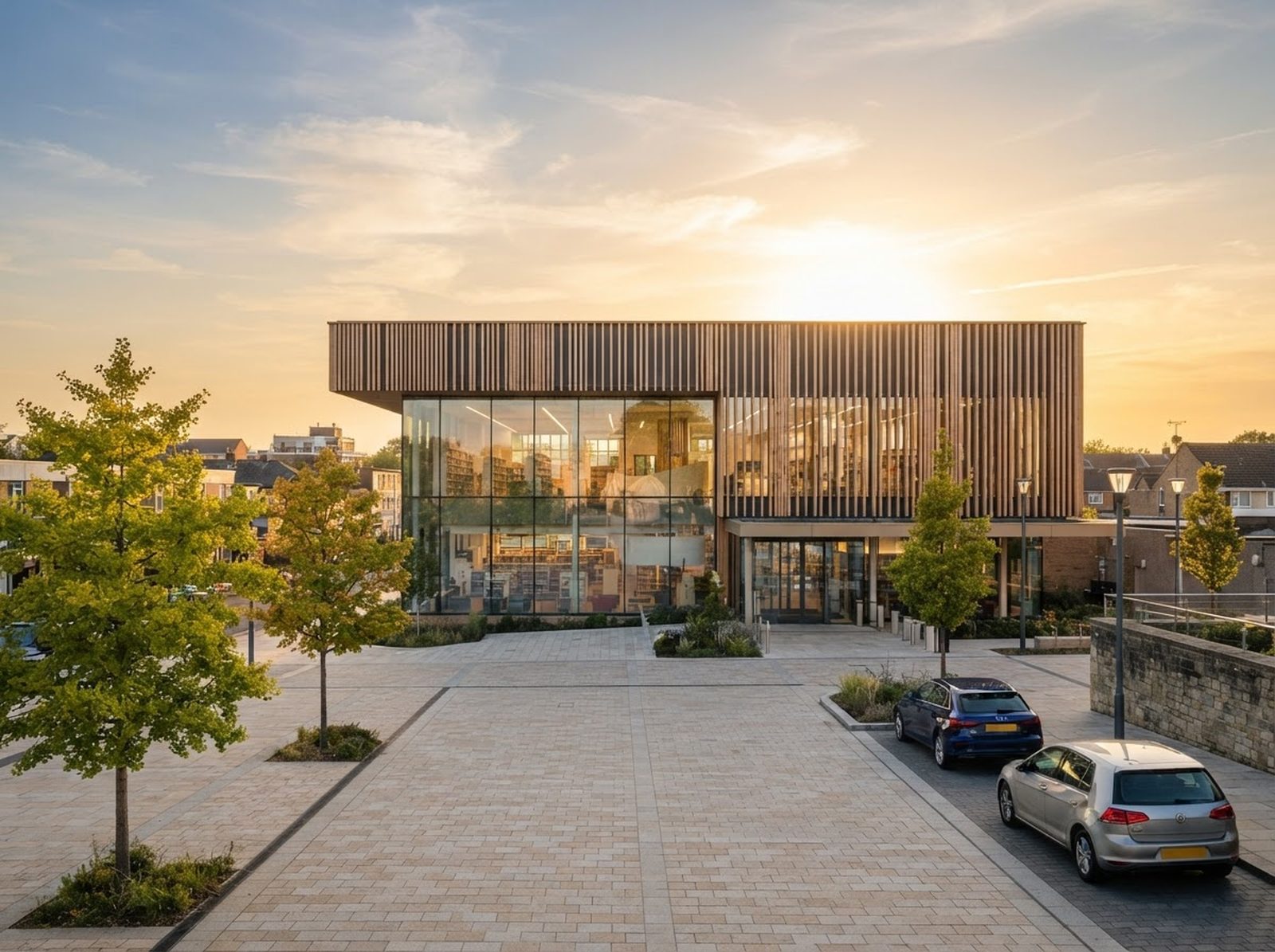
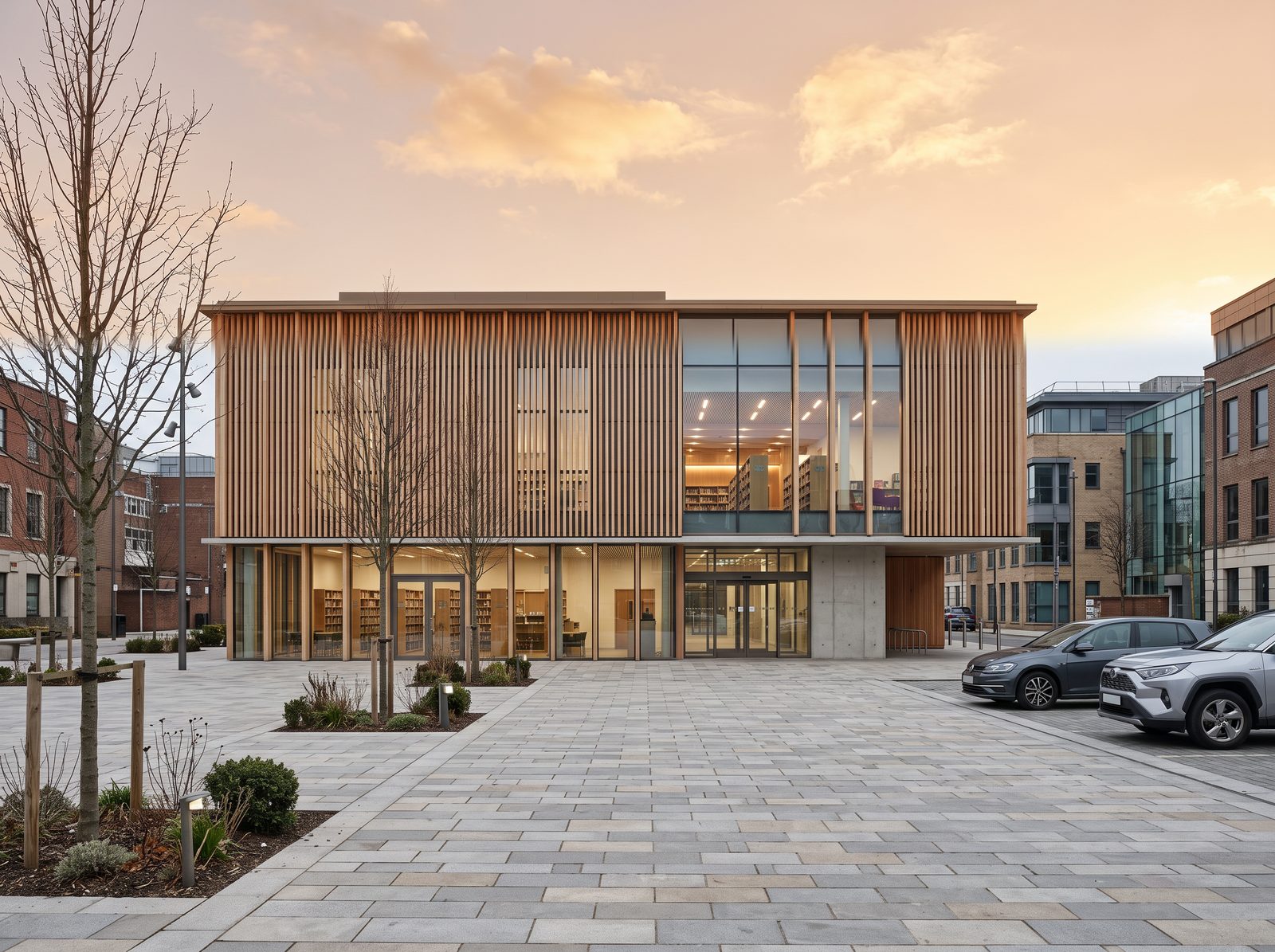
The model draws the whole frame from the prompt, and nothing in the frame is yours. Ask for the same scene with a late afternoon sky and the building, the square and the cars all come back different.
Only the selection leaves your browser, plus a margin of context. It comes back as a feathered patch over the source, and every pixel outside it is untouched.
A grey sky on a competition board is a re-render away, or one selection and one sentence here.
Add people that fit the building instead of cut-outs from a library. Two or three, walking, with real shadows.
Swap the material on one elevation while every window and joint line stays where the model put it.
Select the seam and the model matches light, grain and colour across it, with every edge of the building held.
Drag a rectangle, draw a lasso or click a polygon around the part to change. Add a reference area if the prompt should say "like #2".
Type the edit or pick a preset. Try it as a draft for one credit, then run the keeper at full quality.
The result is pasted back with a feathered edge and adjustable opacity. Flip between variants, or hold Space to compare with the source.
A flat PNG, a layered PSD with one layer per patch, or the whole picture enhanced and upscaled.
Measure one door and every prompt knows how many metres it covers, so people and trees come out at true size.
Click a preset to see it run on a real picture
Drop the material ID pass beside the render and click the facade. The patch is exactly those pixels, windows left out, and no lasso was drawn.
Keep the brick, the timber and the stone as materials. A preset brings the swatch along, the prompt says "the brick in #2", and each combination is a scheme you export side by side.
Lock the windows, joints and structure so no patch touches them, then export the picture with a log of every changed area and the hash of the file.
No subscription. Start with 25 free credits, then buy a pack and spend it at your own pace. Credits are pooled across a team and last a year. A standard edit is two credits, a draft one. See pricing for the detail.
 tessera